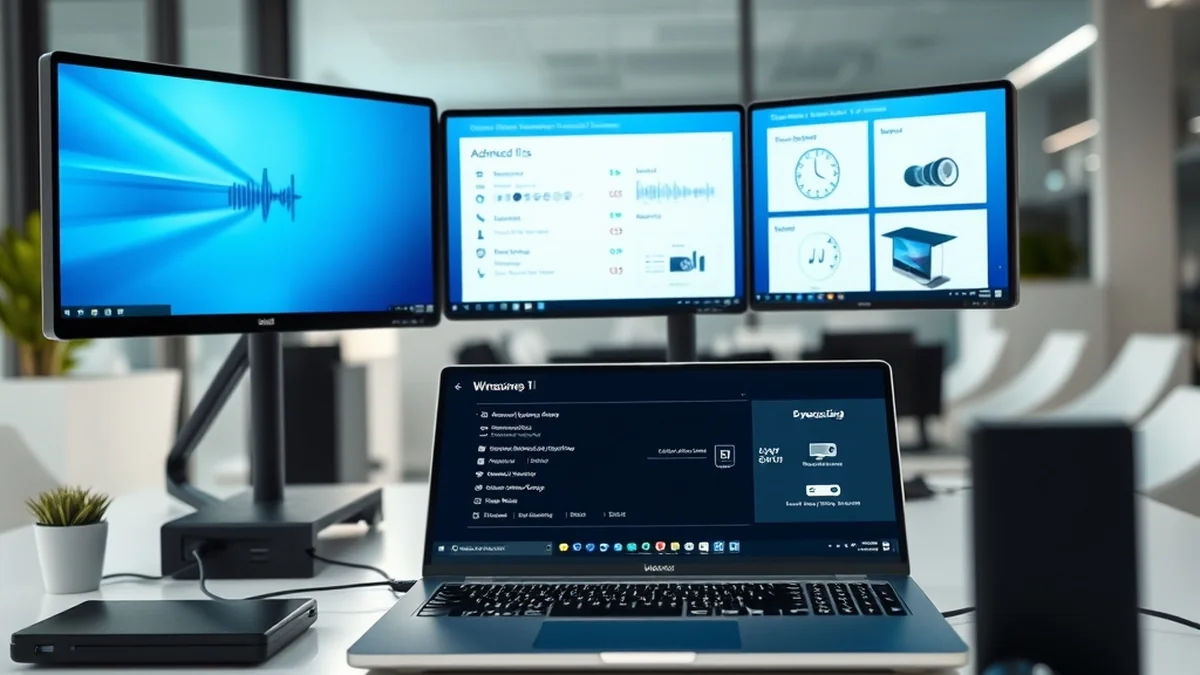
Microsoft has released a fresh wave of Windows 11 preview builds for testers enrolled in the Windows Insider program, bringing a comprehensive overhaul to system sound management, cross-device workflows, and accessibility features. The latest experimental builds migrate several legacy Control Panel functionalities directly into the native Windows Settings application, eliminating the need for older configuration interfaces for routine audio adjustments.
Among the key changes is an updated design for volume sliders within the Sound Settings page. These controls now feature integrated live audio activity indicators that display real-time signal movement when background media or applications are actively producing sound. The updates form part of Microsoft's broader ongoing development initiative aimed at addressing core operating system shortcomings and streamlining the user experience across desktop environments.
Modernizing Audio Controls and Sound Settings
The latest Insider packages migrate deeper sound configurations out of the legacy Control Panel and into the modern Settings framework. Users can now toggle hardware acceleration directly within the advanced properties section for supported audio devices, provided the underlying hardware is compatible. Furthermore, exclusive audio mode configuration has been brought directly into the main settings menus, allowing finer control over sound device prioritization without requiring legacy panels.
The update also introduces adaptive communication sound levels, which automatically attenuate background system audio when communications activity or active calls are detected. The All sound devices page has been redesigned to let users modify default sound devices, filter input and output hardware separately, and toggle the visibility of disabled or disconnected peripherals. Additional property pages now display audio jack information directly for hardware configurations that require physical port identification.
Per-Monitor Magnifier and Accessibility Additions
Accessibility improvements feature prominently in Experimental Preview Build 26340.9354, led by a significant upgrade to the Magnifier tool. When operating Windows 11 in multi-display Extend mode, the Magnifier can now treat connected screens independently, allowing users to configure a distinct zoom percentage for each individual monitor instead of sharing a single magnification level across the entire desktop layout.
In addition to per-monitor scaling, the update introduces viewport locking for the Magnifier utility. Users can anchor the magnified view to a specific display, keeping content on that screen stationary while operating mouse and keyboard inputs on an adjacent monitor. Microsoft has enabled per-monitor zoom by default while providing options to revert to a unified span, alongside dedicated keyboard shortcuts to streamline toggling the feature during daily use.
Cross-Device Integration and Family Safety Overhauls
Cross-device synchronization through Phone Link has received functional upgrades aimed at bridging desktop and mobile workflows. When users hover over an open mobile application icon on the Taskbar—such as a smartphone web browser session—the interface now allows rapid access to download companion Windows apps or instantly resume browsing activity from where it was left off on the mobile device.
Concurrently, Microsoft has implemented sweeping updates to the family safety infrastructure built into Windows 11. Parental control reporting has been refined to restore clear visibility into web and app activity logs, while wallet balances provide greater transparency over family spending. Approval workflows for screen-time extensions and app purchases have also been accelerated to reduce wait times for children while maintaining administrative oversight for parents.
Each of these improvements came from a real family experience — from issues parents told us mattered most: speed, accuracy, control, transparency, and peace of mind, said Microsoft Distinguished Engineer Rob Mauceri, describing the updates as the compounding effect of customer-driven product refinement.
System Fixes and Regional Writing Support
Beyond interface and feature changes, the experimental preview addresses several persistent stability and navigation bugs reported by testers. Microsoft resolved an issue where taskbar application previews failed to reflect changes when users switched between dark and light operating system display themes. A separate cursor bug that caused the mouse pointer to travel in reverse on portrait-oriented displays has also been eliminated.
Language support expands with the inclusion of new writing systems within the Ebrima font, adding Garay—which arrived with Unicode 16.0—and Beria Erfe from Unicode 17.0. Adlam glyph designs were simultaneously refined to improve compliance with current Unicode standards. Meanwhile, experimental features such as an optional Assisted Setup experience at the conclusion of the out-of-box experience remain under evaluation, while known issues involving desktop background retention after reboots continue to be tracked by developers.